How to Fix Broken Parent-Child Links: Recovering Your Jira Hierarchy in Linear
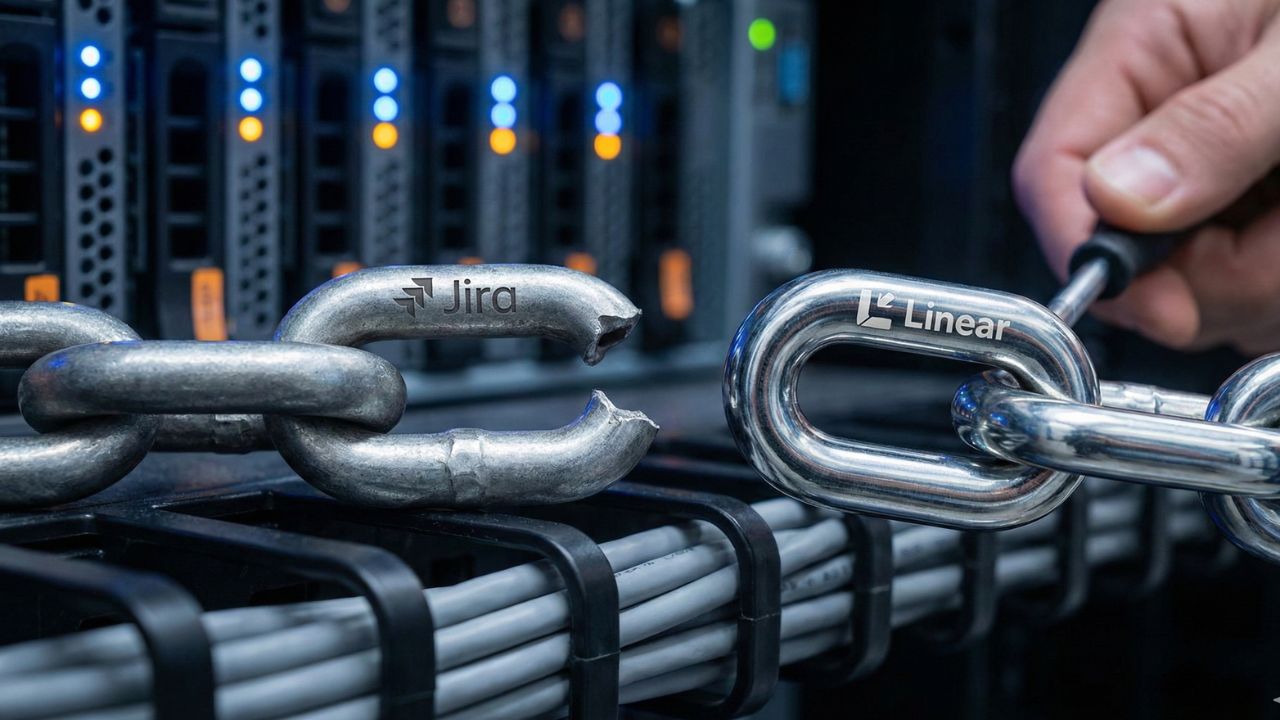
- Identify the Disconnect: Understand exactly why your Jira Epics failed to link to stories in Linear.
- Adopt the Label-First Strategy: Master the "Label-First" recovery strategy to restore your epics and hierarchies instantly.
- Rebuild Efficiently: Learn the best way to reparent bulk issues in Linear to save manual hours.
- Audit Your Work: Discover how to audit data integrity after a Jira to Linear move to ensure no tasks are left behind.
Introduction: Bridging the Hierarchy Gap
Navigating a massive platform switch can be incredibly frustrating, especially when you need to figure out how to fix broken parent child links jira to linear migration.
If you are staring at a flat list of orphaned tasks, do not panic. It is a known hurdle to fix broken parent child links after your Jira to Linear migration.
This deep dive is part of our extensive guide on The Great Migration: Why Teams Are Ditching Jira for Linear. For more context on the broader transition, read our full breakdown on the Jira to Linear Migration.
The Root Cause: Structural Differences
To fix the problem, you first need to know how Linear's Project structure differs from Jira's Epic structure.
Jira treats Epics as a distinct parent issue type within a rigid hierarchy. Linear, however, relies on streamlined Projects and issues to organize work.
Because of this architectural shift, standard migration tools sometimes lose the connecting threads. This is exactly why you must learn how to rebuild parent-child relationships after an import.
The "Label-First" Recovery Strategy
The fastest way to regain control is to master the "Label-First" recovery strategy to restore your epics and hierarchies instantly.
Instead of manually dragging and dropping hundreds of tasks, you can use Linear labels to map Jira Epic keys. By assigning a temporary label matching the old Epic ID, you can filter orphaned stories and bulk-assign them to their rightful Linear Project.
(Pro Tip: To prevent future metadata loss during this phase, check out our guide on how to map custom jira fields to linear labels).
Advanced Recovery: APIs and CSV Patches
If you are dealing with thousands of tickets, manual UI tagging will not scale. Technical teams often ask how to use the Linear GraphQL API to fix broken links.
Scripting the parent-child relationships via API allows for instant, bulk reparenting. Alternatively, you might wonder: can I use a CSV import to "patch" a failed Jira migration?
Yes, a clean CSV mapping old Jira keys to new Linear IDs can effectively bridge the data gap. (Note: Once your hierarchy is fixed, you will want to rethink your pacing. See our comparison on linear cycle vs jira sprint for agile teams to optimize your new workflow).

Frequently Asked Questions (FAQ)
Jira relies on complex Epic links, which do not always perfectly translate to Linear's streamlined Project model during automated imports.
Use Linear's bulk-select tools to highlight orphaned stories and manually reparent them, or use the Label-First strategy.
Yes. Tagging issues with their legacy Epic keys allows you to easily filter and group them before assigning a new parent Project.
Use the command line interface (Cmd/Ctrl + K) after selecting multiple issues to rapidly assign them to a new parent or project.
Linear groups work into target-driven Projects, while Jira treats Epics as a specific, trackable issue type within a strict backlog hierarchy.
Standard imports attempt to keep them, but heavily customized Jira instances often result in broken sub-task dependencies that require manual fixes.
You can write custom scripts querying orphaned issues by legacy metadata, then automatically mutate them to attach the correct Linear parent ID.
Absolutely. A secondary CSV import targeting specific issue IDs can update parent connections without overwriting existing titles or descriptions.
Relationship links (like "blocks" or "is blocked by") frequently drop during migration and usually require a dedicated post-import data cleanup.
Export your final Jira Epic report and cross-reference issue counts against your new Linear Projects to spot discrepancies.
Conclusion
Rebuilding your project structure does not have to be an endless administrative nightmare.
By understanding the architectural differences and leveraging labels, APIs, or targeted CSVs, you can efficiently resolve how to fix broken parent child links jira to linear migration.
Stay patient, use bulk actions, and your new workspace will be organized and ready for development in no time.
Sources & Internal References
- Content Hub Map Document: The "Broken Hierarchy" Recovery SOP
- Pillar Guide: The Great Migration: Why Teams Are Ditching Jira for Linear
- Sub-Page Reference: Custom Field Mapping & Data Loss Prevention
- Sub-Page Reference: Agile Cadence for the Agentic Era