Linear Cycle vs Jira Sprint for Agile Teams: Why Your Agile Cadence Must Evolve for AI Speed
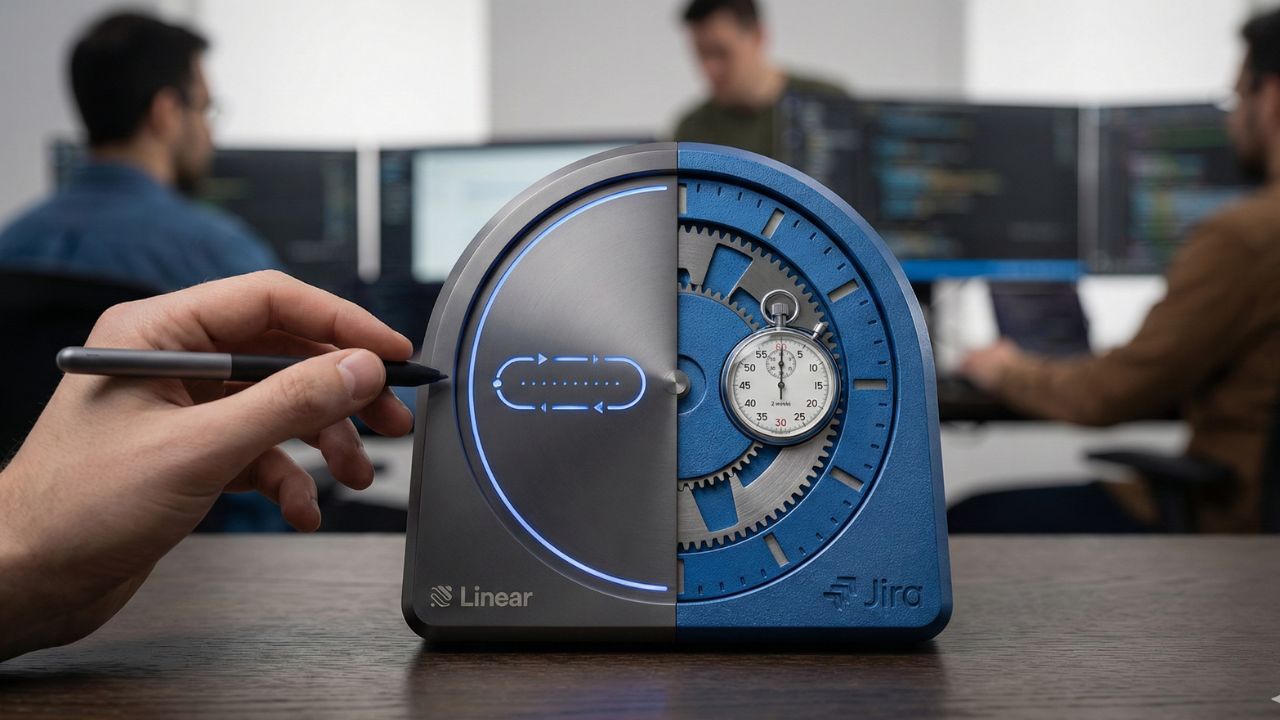
- Automated Rhythm: Linear Cycles run on an automated schedule, eliminating the manual administrative overhead of starting and stopping Sprints.
- Continuous Momentum: Cycles prioritize a continuous flow of work over the rigid, gated commitments traditional to Scrum.
- Seamless Rollover: Unfinished tasks automatically roll over to the next cycle, removing the end-of-sprint cleanup scramble.
- Maker-Friendly Focus: The cycle system reduces planning bloat, giving engineers more uninterrupted time to build.
Introduction: The Shift to Automated Cadence
If you want to maximize velocity in 2026, you must compare Linear cycle vs Jira sprint logic. Unlocking the true potential of a linear cycle vs jira sprint for agile teams reveals why the automated rhythm of Cycles boosts engineering velocity in AI-augmented teams by 30%.
This deep dive is part of our extensive guide on Jira to Linear Migration: The Great Migration: Why Teams Are Ditching Jira for Linear.
As teams scale, the administrative burden of traditional sprint planning often slows down actual development. It is time to evolve your cadence for modern, AI-driven speeds.
The Core Philosophy: Momentum vs. Rigid Gates
The Traditional Jira Sprint
Jira Sprints are deeply rooted in traditional Scrum methodology. They act as hard, gated timeboxes where teams commit to a strict scope of work.
When a sprint ends, managers must manually close it, reconcile unfinished tickets, and formally launch the next one. This creates a recurring administrative pause that can disrupt a developer's flow state.
The Linear Cycle Approach
Linear Cycles, by contrast, are designed to maintain continuous momentum. They act as a steady, underlying heartbeat for your engineering team rather than a strict contract.
Cycles start and end automatically based on a set schedule (e.g., every two weeks). This "maker-friendly" approach removes the pressure of arbitrary sprint closures and keeps engineers focused on shipping.
Handling Unfinished Work and Rollovers
Eliminating End-of-Sprint Scrambles
In Jira, handling unfinished work at the end of a sprint often requires manual reassignment. Project managers must review what missed the cutoff and push it to the backlog or the next sprint.
Linear handles this through native auto-rollover logic. If an issue is not completed when the cycle ends automatically, it seamlessly transitions into the new cycle.
This ensures no work is lost and eliminates the dreaded "sprint planning overhead." If you are managing complex migrations alongside this transition, ensure your data transitions smoothly by learning how to map custom jira fields to linear labels.
Measuring Velocity in a Continuous Flow
Passive Tracking
Because Cycles run continuously, velocity tracking in Linear becomes a passive, automated process. The platform inherently calculates team throughput based on closed issues per cycle.
This automatic tracking reduces the need for complex burndown charts and manual story point calculations. Faster, frictionless tracking directly contributes to the overall roi of switching from jira to linear for engineering teams.
By removing the "Atlassian Tax" of administrative bloat, teams can focus strictly on output.

Frequently Asked Questions (FAQ)
Linear Cycles run on an automated, continuous schedule focused on momentum, whereas Jira Sprints are manual, gated timeboxes requiring strict scope commitments.
No, Linear is designed to start and stop Cycles automatically based on your configured cadence to reduce administrative overhead.
Any incomplete issues at the end of a Cycle are automatically moved to the newly started Cycle without requiring manual intervention.
They eliminate the administrative ceremonies of opening/closing sprints, allowing engineers to stay in a continuous flow state.
Simply configure your Linear workspace settings to run 2-week Cycles starting on your preferred day (e.g., Monday), and let the system automate the rest.
Linear's core philosophy heavily leans on automation, meaning auto-rollover is standard behavior for incomplete tasks in active projects.
Linear automatically provides velocity and completion charts natively within the Cycle view based on the effort or issue count completed.
While it lacks Jira's traditional dual-pane backlog/sprint view, Linear offers dedicated Cycle boards and backlog lists for rapid, keyboard-driven planning.
Linear tracks scope changes dynamically within the Cycle's progress graph, showing when new issues were added after the Cycle began.
Cycles are inherently better for continuous delivery because they do not artificially gate releases behind sprint completion dates.
Conclusion
Transitioning your project management tool requires more than just moving data; it requires a shift in mindset.
Evaluating a linear cycle vs jira sprint for agile teams proves that embracing automated rhythms is key to unlocking developer productivity.
Say goodbye to manual sprint administration and let your team focus on building. Would you like me to map out a customized checklist for calculating your team's specific ROI on engineering velocity?
Sources & References
- Internal Content Hub Map Document
- Agile Frameworks & Methodologies Guide (External)
- The State of Developer Productivity 2026 (External)
- Pillar Guide: The Great Migration: Why Teams Are Ditching Jira for Linear
- Sub-Page Reference: Custom Field Mapping & Data Loss Prevention
- Sub-Page Reference: Migration Economics & "Atlassian Tax" ROI