How to Map Custom Jira Fields to Linear Labels: Stopping the Data Leakage During Migration
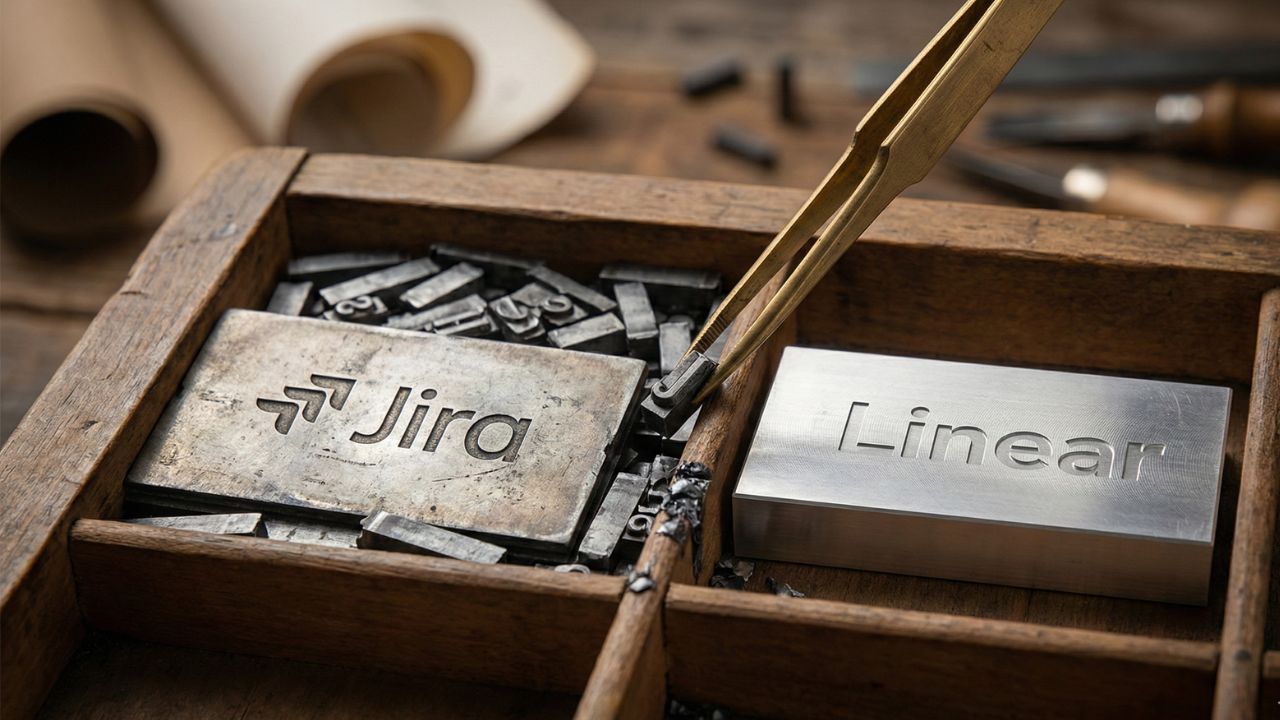
- Audit Before Moving: Clean up your Jira field configuration before migration to ensure 100% data integrity.
- Prevent Custom Field Bloat: Learn how to map custom Jira fields to Linear labels to avoid cluttering your new workspace.
- Transform Dropdowns: You can successfully convert a Jira dropdown field into a Linear label.
- Preserve Core Metadata: Discover how to use "Attributes" in Linear to replace Jira custom fields seamlessly.
Introduction: Securing Your Engineering Metadata
The transition from legacy tracking tools to modern workflows often comes with a severe risk of metadata leakage.
Understanding how to map custom jira fields to linear labels is critical to securing your project history.
This deep dive is part of our extensive guide on Jira to Linear Migration: The Great Migration: Why Teams Are Ditching Jira for Linear.
You must act strategically to avoid "Custom Field Bloat" and ensure 100% data integrity for your engineering metadata. Let us explore the exact steps to preserve your crucial data.
The Pre-Migration Field Audit
Before you even touch an export button, you must clean up your Jira field configuration before migration. Years of accumulated dropdowns, checkboxes, and text inputs will only slow down your new system.
Actionable Audit Steps:
- Identify the necessities: Determine which custom fields are actively used by your engineering teams.
- Consolidate duplicates: Merge overlapping fields that serve the exact same purpose.
- Delete the obsolete: Ruthlessly archive fields that have not been touched in the past twelve months.
Taking these steps is essential to maximize the roi of switching from jira to linear for engineering teams.
A clean migration directly reduces administrative overhead and protects your data loss prevention migration strategy.
Executing the Mapping Strategy
Once your legacy data is clean, you must align it with Linear’s opinionated structure. Linear avoids infinite custom fields to keep the interface blazing fast.
You must figure out how to use "Attributes" in Linear to replace Jira custom fields. For example, core metrics are handled natively. You can easily preserve "Priority" and "Severity" metadata in Linear using these built-in attributes.
For everything else, labels are your best tool. You can directly convert a Jira dropdown field into a Linear label during the import process.
This keeps issues clean while retaining searchability.
If you also struggle with hierarchy during this phase, review our guide on how to fix broken parent child links jira to linear migration to ensure all structural connections are maintained.

Frequently Asked Questions (FAQ)
Unmapped fields are often ignored or appended as raw text if not properly configured, which is what Jira data is lost during the Linear import if you skip mapping.
Linear limits arbitrary custom fields to maintain speed, forcing teams to rely on labels and core attributes instead.
Yes. You can map legacy dropdown selections directly to color-coded labels in your new workspace.
Map these directly to Linear’s native Priority and Severity attributes rather than creating new custom labels.
Linear utilizes issue templates to encourage specific formats, but avoids strict mandatory gating to keep issue creation frictionless.
Components should be evaluated carefully; large components often translate well into distinct Linear Teams or specific Projects.
Heavily customized workflow scripts, third-party app data, and poorly mapped custom fields are the most common casualties.
Use native fields like Assignee, Status, Priority, and Cycle to replace custom configurations from your old system.
Yes. Legacy "Fix Versions" align perfectly with Linear Projects or Milestones, depending on your release cadence.
Audit usage statistics in your legacy system settings and delete or merge unused fields to prevent transferring garbage data.
Conclusion
Successfully managing a tool transition means prioritizing your engineering metadata.
By carefully auditing your legacy system and executing a strategy for how to map custom jira fields to linear labels, you prevent critical data leakage.
Keep your new workspace fast, clean, and free of custom field bloat to ensure your team starts on the right foot.
Sources & References
- Internal Content Hub Map Document
- Pillar Guide: The Great Migration: Why Teams Are Ditching Jira for Linear
- Migration Economics & "Atlassian Tax" ROI
- The "Broken Hierarchy" Recovery SOP