Blackbox AI vs Cursor: The 2026 Winner Revealed
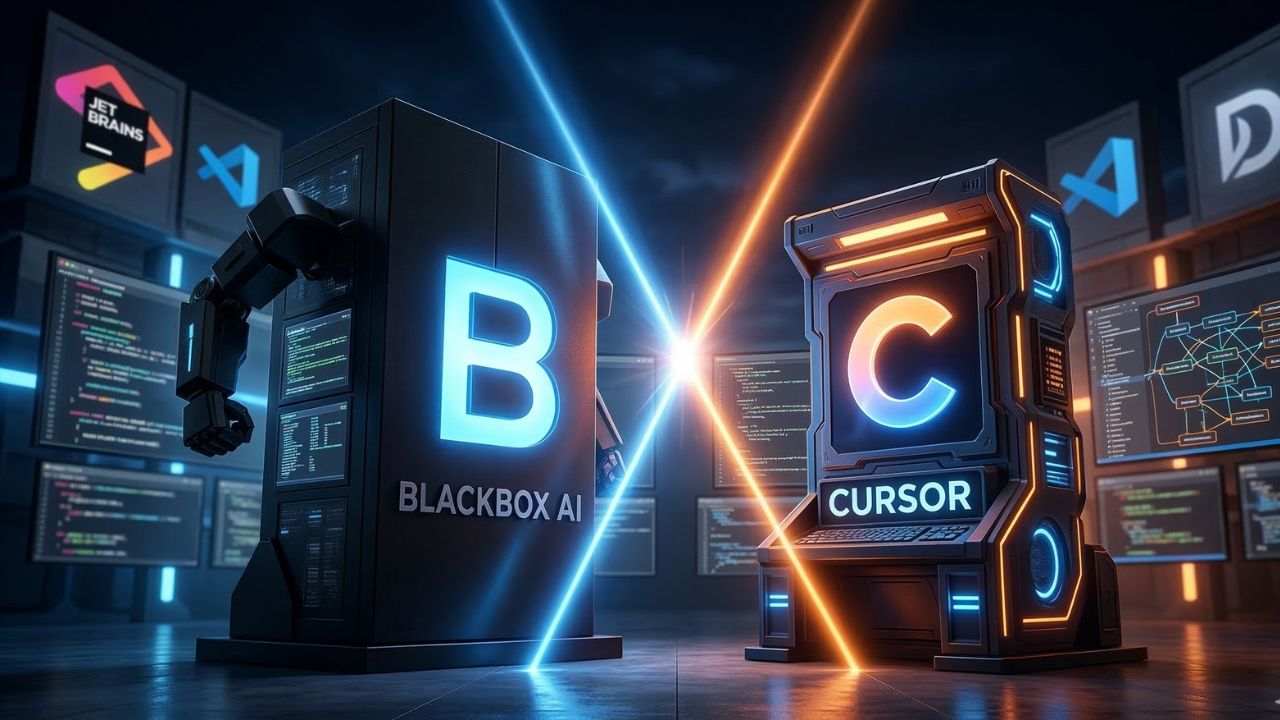
- The Verdict: The Blackbox AI vs Cursor debate ultimately hinges on your environment; Cursor wins for enterprise-wide codebase indexing, while Blackbox excels in multi-IDE agility.
- Enterprise Privacy: Cursor’s strict "Zero Data Retention" and SOC 2 compliance make it the definitive choice for corporate teams handling proprietary source code.
- Autonomous Execution: Blackbox AI frequently outperforms competitors in isolated error correction, utilizing built-in testing to self-heal code without manual developer intervention.
- Junior Developer Safety: Cursor’s "Composer" tool provides vital guardrails, forcing junior engineers to review multi-file diffs before accepting sweeping architectural changes.
- Sprint Velocity: Choosing the right agentic editor drastically alters your sprint planning, compressing weeks of complex refactoring into mere days.
The Agentic Editor Dilemma
The Blackbox AI vs Cursor debate is dominating engineering standups, and for good reason. Choosing the wrong AI editor in 2026 isn't just a minor technical inconvenience; it is a massive bottleneck that bleeds your team's time, budget, and overall sprint velocity.
As the industry fully embraces The Agentic Coding Shift, engineering leaders can no longer afford to guess which tool actually delivers measurable ROI. You need a platform that acts as a true autonomous partner, not just a glorified autocomplete extension.
We benchmarked the top tools so you don't have to guess. This deep dive exposes the architectural differences, enterprise security features, and practical performance metrics of both platforms to reveal the true 2026 winner.
Blackbox AI vs Cursor: Architectural Differences in 2026
Cursor’s Deep Codebase Integration
Cursor operates as an AI-native IDE built directly on a fork of Visual Studio Code. This foundational architecture is its biggest advantage. It doesn't just read the file you are currently working on; it deeply indexes your entire local repository.
Key benefits of Cursor's architecture include:
- Semantic Search: It uses embeddings to map your code, allowing you to ask natural language questions about complex, undocumented legacy systems.
- Familiar Environment: Because it is a VS Code fork, all of your existing themes, keybindings, and extensions port over with zero friction.
- The "Tab" Experience: Cursor’s predictive editing anticipates your next move based on your entire project's unique naming conventions and style guidelines.
Blackbox AI’s Multi-IDE Agility
Blackbox AI takes a fundamentally different approach. Instead of forcing your entire engineering department to migrate to a new standalone IDE, Blackbox functions as a highly agile, universally compatible extension.
It supports over 35 different development environments, including the JetBrains suite, Android Studio, and standard VS Code. If your team is fragmented across different editors, Blackbox offers the path of least resistance for rapid AI adoption.
Furthermore, Blackbox AI introduces powerful multi-modal capabilities. Developers can leverage image-to-code generation, allowing them to instantly convert Figma wireframes into functional React components, or utilize voice coding for rapid script generation.
Comparative Benchmarks: Which is the Best Agentic Code Editor in 2026?
Multi-File Context and Codebase Indexing
When evaluating the best agentic code editor, you must look beyond single-line autocompletes. The true test of an AI agent is its ability to handle complex, multi-file refactoring tasks without losing context or breaking existing dependencies.
Cursor’s dedicated "Composer" feature is engineered specifically for this. You can prompt the AI to implement a new feature, and it will systematically update dozens of files simultaneously, presenting you with a clean, unified diff to review.
Blackbox AI, while offering robust multi-file capabilities, can sometimes struggle with context summarization on massive, enterprise-scale repositories. However, it makes up for this with its web-wide code search, pulling real implementation examples from GitHub to solve niche problems.
Performance on Python and Data Science Tasks
If your team is heavy on data science, evaluating these tools for Python efficiency is critical. Both platforms allow you to route your prompts through frontier models like GPT-5 or Anthropic's Claude 3.5 Sonnet.
However, to ensure your AI is writing secure, performant scripts, you should cross-reference the models you use with the LMSYS Coding Arena. This competitive data exposes which LLMs actually handle complex Python logic under pressure.
Cursor's seamless model switching makes it incredibly easy to leverage the top-ranked LMSYS models directly within your workflow. This flexibility ensures your backend engineers are always using the sharpest tools available.
Enterprise ROI: Privacy, Security, and Compliance
The Zero Data Retention Standard
The biggest concern for CTOs in 2026 is data leakage. When a developer pastes proprietary algorithms into an AI chat window, where exactly does that data go?
Cursor tackles enterprise security with rigorous protocols:
- Privacy Mode: Enforces a strict Zero Data Retention policy, ensuring your code is never stored by LLM providers or used for future model training.
- Compliance: Cursor holds SOC 2 certifications and offers Customer Managed Encryption Keys (CMEK) for organizations with extreme security requirements.
- Audit Logging: Administrators can stream usage logs directly to SIEM systems like Splunk or Datadog to monitor compliance.
Blackbox AI is continuously improving its security posture, but historically, it has been viewed as a more consumer-friendly tool. For highly regulated industries like finance or healthcare, Cursor’s enterprise-grade controls provide a much clearer path to compliance.
Impact on Agile Workflows and Sprint Planning
Your choice of editor directly impacts how you structure your engineering workflows. When conducting sprint planning for AI-native teams, the capabilities of your tooling dictate your ticket sizing and velocity.
If your team utilizes Blackbox AI, you can assign a high volume of isolated, complex bug-fix tickets. Its autonomous agent excels at reading error stacks, researching fixes, and applying patches independently.
With Cursor, sprint planning can encompass much larger architectural shifts. Because Cursor understands your entire codebase natively, you can assign sweeping, multi-file refactoring epics that would normally take weeks, compressing them into a single sprint.
Tooling for Junior Developers
Autocompleting Entire Repositories safely
Junior developers face a unique challenge in the agentic era. They must learn syntax while simultaneously mastering AI orchestration.
If you are evaluating the Best AI Coding Agents for Junior Developers, you need tools that provide guardrails.
AI can make junior developers incredibly fast, but it can also make them dangerously sloppy. Blackbox AI’s chat sidebar is fantastic for quick syntax questions, acting essentially as an always-available senior mentor.
However, Cursor’s "Composer" forces juniors to review multi-file diffs before accepting changes. This friction is vital for their growth. They are forced to read, understand, and validate the AI's logic before merging it into your production branch, preventing chaotic "vibe coding."
Conclusion
The landscape of software development has fundamentally changed, and relying on outdated tools will quickly erode your competitive advantage. In the definitive Blackbox AI vs Cursor showdown, the winner depends entirely on your organizational maturity and security needs.
For solo developers, students, or teams deeply entrenched in diverse IDE ecosystems like JetBrains, Blackbox AI offers unparalleled flexibility and rapid autonomous task execution. It is the ultimate plug-and-play assistant.
However, for enterprise teams requiring SOC 2 compliance, Zero Data Retention, and deep, whole-repository architectural planning, Cursor is the undisputed 2026 winner. Evaluate your sprint velocity, secure your proprietary data, and equip your developers with the AI editor that aligns with your company's long-term scale.
Frequently Asked Questions (FAQ)
Cursor is generally considered better for complex, multi-file enterprise projects due to its deep codebase indexing and strict Zero Data Retention privacy policies. However, Blackbox AI excels in multi-IDE flexibility, rapid autonomous error correction, and seamless web-wide code search capabilities.
The best editor depends entirely on your team's workflow. Cursor is the top choice for developers seeking a dedicated, AI-native IDE with robust architectural planning. Conversely, Blackbox AI is the premier choice for developers who require a versatile extension across multiple environments.
For Python development, Cursor holds a slight edge due to its comprehensive understanding of isolated virtual environments and complex project dependencies. It seamlessly navigates massive Python repositories, whereas Blackbox AI is highly effective for generating isolated Python scripts quickly.
No, Cursor is not completely free for commercial enterprise use. While it offers a basic free hobby tier for evaluation, professional developers and corporate teams must purchase Pro or Enterprise licenses to unlock unlimited premium model access and advanced privacy features.
While Blackbox AI offers impressive multi-file coding capabilities, it is not primarily designed to rewrite entire repositories in a single click. Cursor’s dedicated "Composer" feature is currently better equipped to handle massive, simultaneous repository-wide autocompletes and architectural refactoring.