Linear vs Jira Permissions for Sensitive Projects: Is Your "Maker-First" Tool a Privacy Risk?
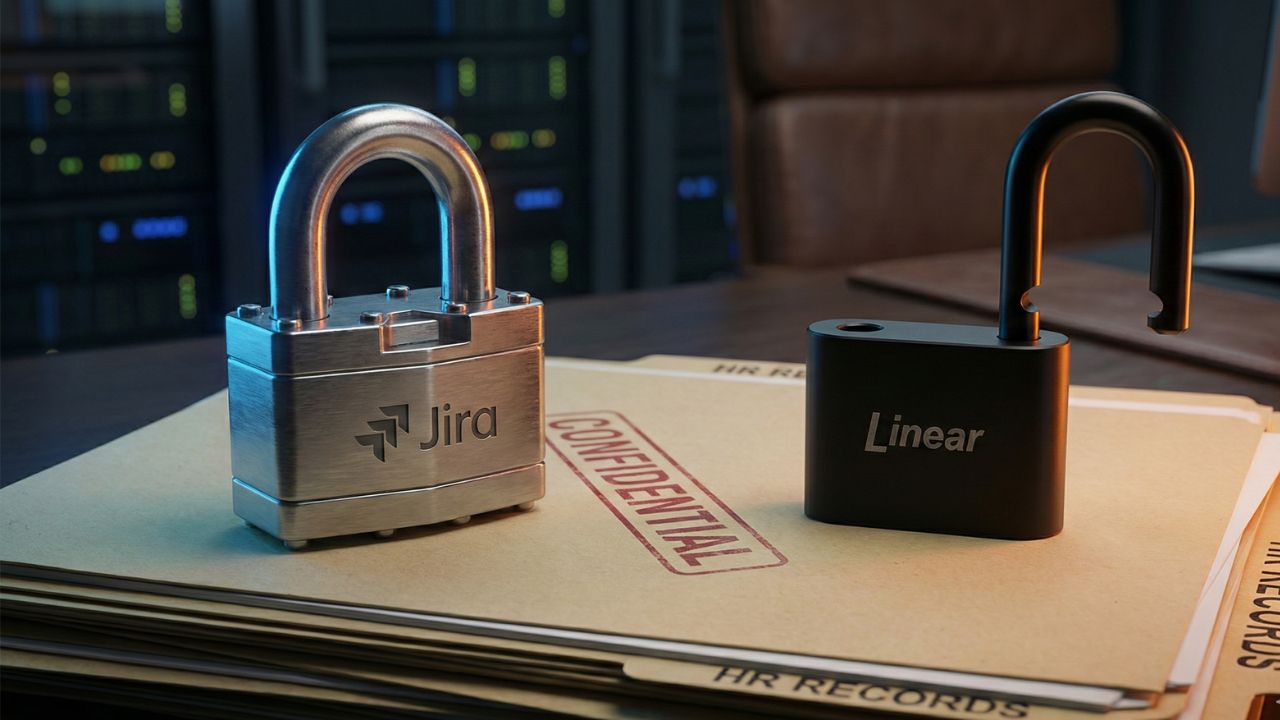
- Acknowledge the Transparency Tax: Understand that modern, "maker-first" tools default to open visibility, which can expose confidential data if left unconfigured.
- Identify Security Gaps: Recognize that while Atlassian offers granular, field-level security schemes, newer platforms often operate on broader workspace access models.
- Isolate Sensitive Work: Learn how to strategically configure "Private Teams" to protect HR, legal, and financial project pipelines from unauthorized internal viewing.
- Balance Speed and Compliance: Weigh the high-velocity benefits of an open workspace against strict enterprise requirements like SOC2 and regional data residency.
Introduction: The Hidden Cost of Workspace Transparency
When evaluating your tech stack for 2026, it is vital to compare linear vs jira permissions for sensitive projects.
While modern issue trackers prioritize engineering speed, they often lack the granular security required for confidential workflows.
You must discover the "Transparency Tax" and how to mitigate privacy risks in your startup tech stack. Defaulting to open access can be dangerous for HR and Legal departments.
This deep dive is part of our extensive guide on The Great Migration: Why Teams Are Ditching Jira for Linear. For a comprehensive overview of your Jira to Linear Migration, start with our main pillar page.
The "Transparency Tax" of Maker-First Tools
Default Visibility and the Open Workspace
Maker-first platforms are designed to remove silos. By default, any member added to the workspace can browse projects, search issues, and read comments across almost all teams.
This is fantastic for cross-functional engineering alignment. However, this workspace-wide transparency becomes a massive liability when tracking performance improvement plans (PIPs), legal disputes, or unannounced acquisitions.
If you are currently evaluating the roi of switching from jira to linear for engineering teams, you must factor in the administrative time required to build secure data silos.
The Jira Permission Model
Legacy platforms like Jira were built with enterprise compliance in mind. They offer robust, heavily customizable permission schemes.
Jira allows administrators to lock down individual issues, hide specific custom fields, and control exactly who can transition a ticket's status.
Mitigating Privacy Risks in a High-Velocity Tool
Rethinking Your Data Mapping
To protect your data, you must be careful during your initial setup. You cannot simply import every legacy field blindly.
If you do not know how to map custom jira fields to linear labels, you risk exposing sensitive legacy data—like salary bands or confidential client tags—to your entire engineering floor as public labels.
Configuring Private Teams
To secure sensitive workflows in a globally transparent workspace, you must utilize "Private Teams."
When a team is marked as private, its issues, projects, and cycles are completely hidden from non-members. This is the primary mechanism for isolating HR and Legal operations.

Frequently Asked Questions (FAQ)
No, it generally relies on team-level access rather than the granular, field-by-field locking mechanisms found in legacy enterprise tools.
Issues within a standard public team are visible to all workspace members; to hide issues, they must be housed within a strictly Private Team.
It requires HR to operate in isolated Private Teams to prevent sensitive employee data and performance reviews from being searchable by the broader company.
Yes, the platform maintains SOC2 Type II compliance, but internal data access governance remains the responsibility of your workspace administrators.
During team creation or within team settings, administrators can toggle the privacy setting, restricting access strictly to invited members.
No, guest accounts have restricted access and can only view the specific teams, projects, or issues they have been explicitly invited to collaborate on.
Data residency options depend on your specific enterprise tier; you must consult their current enterprise agreements for strict localized hosting guarantees.
Review active users, audit third-party integrations, verify Private Team memberships, and ensure offboarded employees are immediately revoked.
Jira offers deeply customizable, exportable audit logs for compliance, while newer tools may have simpler, less granular historical tracking depending on your pricing tier.
Legal teams favor strict access controls, granular issue-level security, and comprehensive audit trails—features that are foundational to Jira's architecture.
Conclusion
Choosing the right project management tool is a balancing act between engineering velocity and corporate compliance.
While evaluating linear vs jira permissions for sensitive projects, remember that an open workspace is a powerful feature, not a bug.
However, it demands intentional, proactive configuration. By properly isolating your HR and Legal teams, you can maintain a high-speed development environment without sacrificing data privacy.
Sources & References
- Sub-Page: The "Permission Gap" Audit for HR & Legal
- Sub-Page Reference: ROI of Ditching Jira
- Sub-Page Reference: Custom Field Mapping & Data Loss Prevention
- External: SOC2 Compliance Standards for SaaS Providers (2026 Guidelines)
- External: The Atlassian Trust Center Documentation