Linear Migrate From Jira: How to Fix Broken Epics and Parent-Child Links
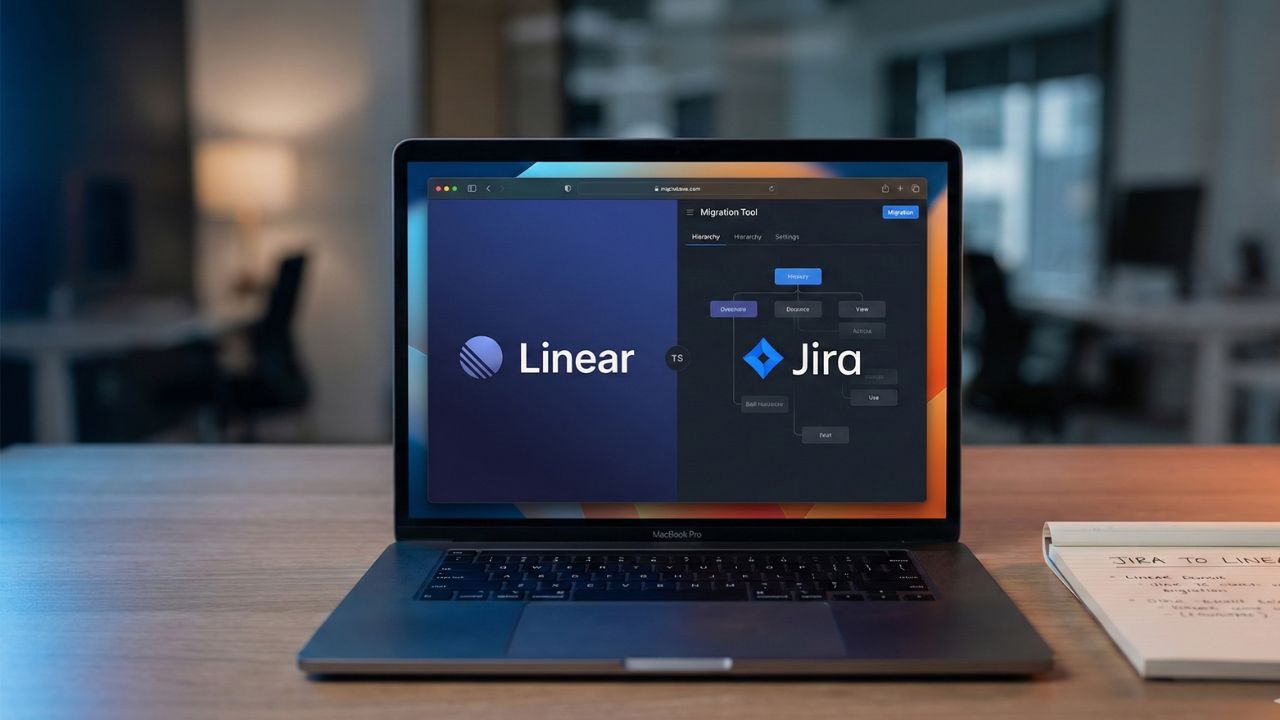
- Terminology Shift: Jira "Epics" typically map to Linear "Projects," while "Sub-tasks" often become standalone "Issues."
- The Hierarchy Break: Imports often lose parent-child links due to Linear’s flatter data structure.
- Label Strategy: Use Linear labels as temporary markers to identify Jira Epic associations.
- Post-Import Cleanup: Plan for a manual or scripted "re-parenting" phase to organize data.
Migrating your workspace is a major step toward team velocity, but it often comes with a technical "gotcha": linear migrate from jira hierarchy limitations.
While the automated importer is powerful, the architectural differences between Atlassian and Linear mean that your deeply nested tickets might arrive as a flat list. This deep dive is part of our extensive Jira to Linear Migration Guide.
In this guide, we focus exclusively on rebuilding your data structure so your roadmap remains intact after the move.
Why the Hierarchy Breaks: Epics vs. Projects
The most common reason for a "broken" migration is the fundamental difference in how these tools organize work.
In Jira, an Epic is just another issue type. In Linear, a Project is a distinct container with its own metadata, progress tracking, and cycles.
The Mapping Challenge
- Jira Epics: Frequently map to Linear Projects.
- Jira Stories/Tasks: Map directly to Linear Issues.
- Jira Sub-tasks: These are often problematic, as Linear prefers a flatter structure where sub-tasks are separate issues or Checklist items.
If you don't perform a review before you start, the importer may fail to link your stories to their new Project containers.
Steps to Fix Broken Parent-Child Links
To overcome linear migrate from jira hierarchy limitations, follow this restoration workflow:
1. The "Label First" Import Strategy
Before initiating the import, ensure every issue in a Jira Epic carries a unique label (e.g., Epic-Payment-Gateway).
Linear imports these labels faithfully. Once the data lands in Linear, you can filter by that label and bulk-move those issues into the correct Linear Project.
2. Utilizing CSV Fixes
If the automated importer fails to maintain links, a CSV import can sometimes be used to "patch" the hierarchy.
By exporting your Jira data with the "Parent ID" column and matching it to Linear’s issue identifiers, you can use scripts to re-establish connections programmatically.
Troubleshooting Failed Links
If your hierarchy looks like a random list of tasks, check your report. Often, custom issue types in Jira that don't match standard definitions cause the parent-link to be ignored.

Frequently Asked Questions (FAQ)
Jira Epics should be converted into Linear Projects. You can do this by creating the Project in Linear first and then using bulk actions to move imported issues into it.
This usually happens because Linear uses a flatter organizational structure than Jira. Parent-child relationships in Jira don't always have a 1:1 equivalent in Linear's "Issue-Project" or "Issue-Sub-issue" logic.
Yes, but they are often converted into "Sub-issues." Many teams find it more efficient to convert simple Jira sub-tasks into Checklist items within a single Linear issue to reduce bloat.
You can manually set a parent issue by using the "Sub-issue" feature in Linear or use the command menu (Cmd+K) to "Set Parent Issue" for any selected ticket.
Filter your imported issues by the labels brought over from Jira. Once filtered, select all issues and use the bulk action tool to assign them to the correct Project or Parent issue.