GitHub Copilot Workspace vs. Cursor vs. Devin: The 2026 Coding Agent Battle
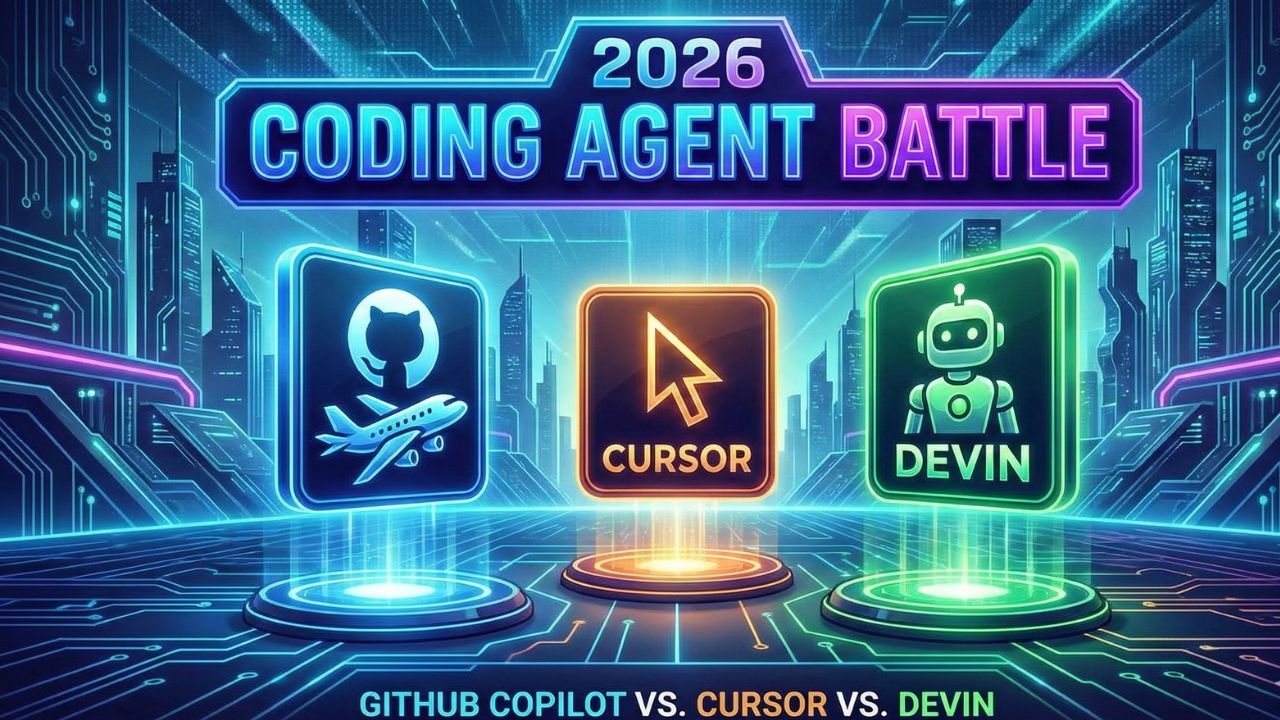
The "AI Assistant" era of 2023 is over. We have entered the "Agentic Era" of 2026. Developers are no longer looking for a smarter autocomplete; they are looking for a digital coworker. The market has consolidated around three distinct philosophies for AI-assisted coding: The Ecosystem Play (GitHub), The Native Editor (Cursor), and The Autonomous Employee (Devin).
Choosing the right tool is no longer just a personal preference—it determines your team's velocity and workflow. This guide compares the three titans of the 2026 coding landscape to help you decide which "Brain" should be writing your code.
1. The Contenders at a Glance
- GitHub Copilot Workspace: The Incumbent. Best for Enterprise Security and teams heavily invested in the Microsoft/GitHub ecosystem. It excels at understanding the "Task" from a GitHub Issue context.
- Cursor: The Challenger. A fork of VS Code that integrates AI natively into the editor. Its "Composer" feature allows for fluid, multi-file refactoring that feels like pair programming with a super-senior engineer.
- Devin (by Cognition): The Agent. The first fully autonomous software engineer. You don't "use" Devin; you "assign" work to it. It spins up its own environment, runs tests, and fixes its own bugs.
2. The Comparison Matrix
| Feature | GitHub Copilot Workspace | Cursor (Composer) | Devin |
|---|---|---|---|
| Primary Philosophy | Task-Centric (Issue to PR) | Editor-Centric (Flow State) | Agent-Centric (Autonomy) |
| Best For | Enterprise Teams & Compliance | Individual High-Performers | Backlog Grunt Work & Migrations |
| Interaction Model | Chat & "Ghost Text" | CMD+K & Multi-File Edit | Slack/Jira Assignment |
| Context Awareness | High (Repo + Issues) | High (Open Files + Vector Index) | Full (Runtime Environment) |
| Killer Feature | Workspace: Plan from Issue | Composer: Edit 5 files at once | Self-Healing: Fixes own errors |
3. Deep Dive: The Battle for Your Workflow
GitHub Copilot Workspace: The Enterprise Standard
GitHub's strength is not just the AI; it is the context. Because it lives where your code lives, it can read a GitHub Issue, understand the requirements, plan the implementation, and generate a Pull Request without you ever opening an IDE. It bridges the gap between "Project Management" and "Code."
Verdict: The safe, powerful choice for large organizations that value compliance and workflow integration over raw bleeding-edge speed.
Cursor: The Developer's Favorite
Cursor realized that an AI *plugin* is not enough; you need an AI *editor*. By forking VS Code, they gained control over the entire UI. The "Composer" feature allows developers to write natural language commands like "Refactor the authentication middleware and update all consumer endpoints," and Cursor executes the changes across multiple files simultaneously.
Verdict: The best tool for Senior Engineers who want to stay in the "Flow State" and amplify their output by 10x.
Devin: The First Digital Hire
Devin is different. It creates a sandbox environment. When you ask it to "Upgrade our Python dependencies," it doesn't just change the `requirements.txt`; it runs the upgrade, sees the build fail, reads the error log, fixes the code compatibility issues, runs the tests again, and *then* submits the PR.
Verdict: Perfect for asynchronous tasks, tech debt cleanup, and migrations that humans hate doing.
4. Pricing and ROI
While specific pricing fluctuates, the models are distinct. Copilot uses a per-seat license model. Cursor offers a freemium model with pro tiers for advanced models (Claude 3.5 Sonnet, GPT-4o). Devin operates more like a "Compute Service," charging based on the duration and complexity of the agentic loops required to complete a task.
5. Frequently Asked Questions (FAQ)
A: Yes, Cursor is a fork of VS Code. It supports almost all VS Code extensions and themes out of the box, making migration seamless for developers already using VS Code.
A: Devin is "autonomous" but not "infallible." It can plan, code, and debug simple to moderately complex tasks on its own. However, for architectural decisions or complex business logic, it still requires a human to review the strategy and the final Pull Request.
A: The primary reason is ecosystem integration and security. If your company is already locked into GitHub Enterprise, Copilot Workspace offers better compliance, indemnification, and seamless integration with GitHub Issues and Actions.