Building a "Self-Healing" Sprint Board: The End of Manual Status Updates
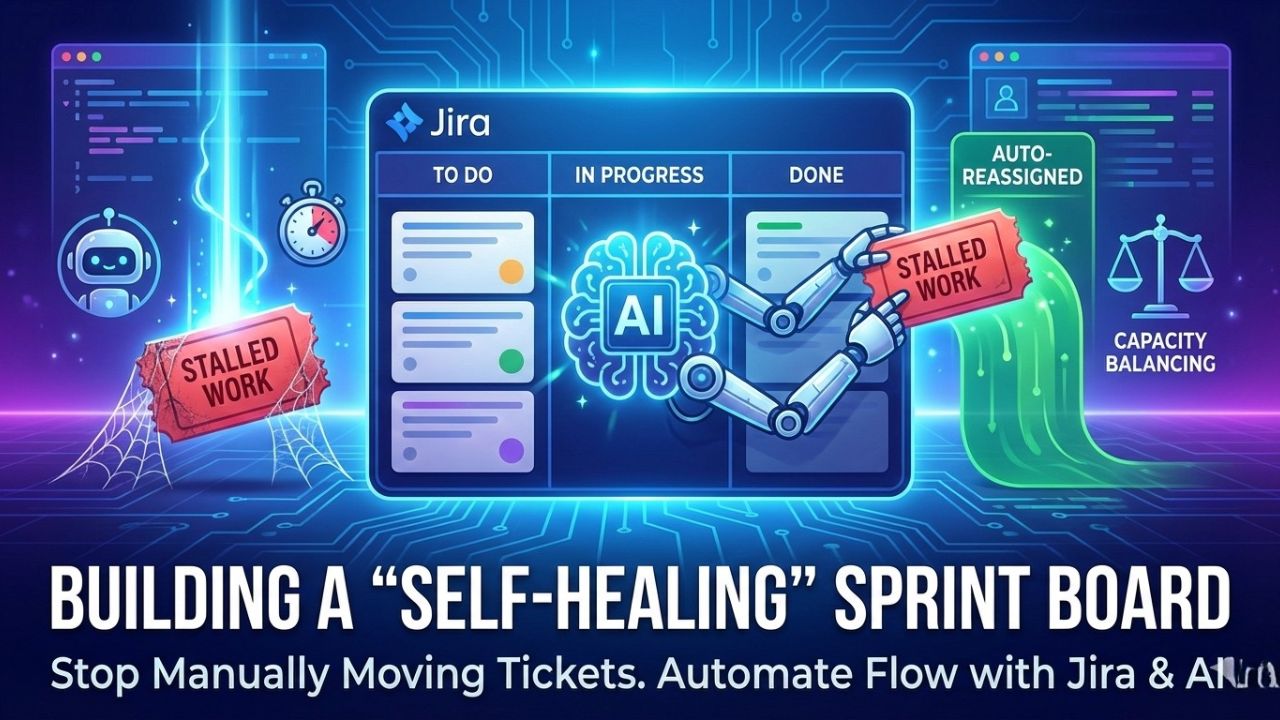
In every sprint, there is that one ticket. It sits in "In Progress" for four days. The developer says, "I'm almost done," in the daily standup. But the Git commit history shows zero activity.
This is a "Zombie Ticket." In a traditional setup, identifying this requires a Scrum Master to manually audit the board, nag the developer, and update the status. In a large Indian GCC with 50+ squads, this manual hygiene accounts for nearly 15% of a Delivery Lead's time.
Welcome to the Self-Healing Sprint Board. In 2026, we do not move tickets manually. We configure AI Agents to detect stalled work, identify capacity bottlenecks, and autonomously "heal" the board flow.
Back to Guide: Jira Intelligence Setup Return to the previous article on Setting up Jira Agents.1. What is a "Self-Healing" Board?
A self-healing board is an Agile board (Jira, Linear, or Azure DevOps) integrated with an AI Orchestrator that performs three continuous loops:
- Monitor: It watches "Signals" (Git activity, Slack status, Calendar availability), not just "Statuses."
- Diagnose: It determines why a ticket is stuck (Is the dev blocked? Are they on leave? Is the scope too big?).
- Heal: It takes action (Nudges the dev, re-assigns the task, or flags it for the Lead).
2. The 3 Agents You Need to Configure
To build this, you need to set up three distinct Rovo (or Copilot) agents.
Agent 1: The Stalled Work Detector (The "Nudger")
This agent hunts for Zombie Tickets.
- The Trigger: A ticket remains in "In Progress" for > 48 hours.
- The Intelligence: The agent checks the linked Bitbucket/GitHub repo.
Scenario A: High Git activity? Action: Do nothing. The work is hard, but happening.
Scenario B: No Git activity? Action: The agent sends a private Slack message to the developer: "I noticed Ticket-402 hasn't had a commit in 2 days. Are you blocked, or did you forget to update the status?"
Scenario C: Developer is OOO? Action: The agent flags the ticket to the Tech Lead for reassignment.
Agent 2: The Capacity Load Balancer (The "Router")
This agent prevents burnout and bottlenecks.
- The Trigger: A new critical bug enters the sprint.
- The Intelligence: Instead of dumping it on the "Senior Dev" (who is always overloaded), the agent analyzes the Cognitive Load of the squad.
- Logic: "Dev A has 3 complex items. Dev B has 1 minor item and has just closed a PR. Assign to Dev B."
- Result: Auto-assign Jira tickets based on developer capacity without human bias.
Agent 3: The Hygiene Bot (The "Janitor")
This agent cleans up the mess before the Sprint Review.
- The Trigger: 24 hours before Sprint End.
- The Intelligence: It scans for "orphaned" tasks (sub-tasks not closed when parent is done) or tickets with no "Fix Version."
- Action: It autonomously closes trivial sub-tasks and prompts the PO to tag the Fix Version on open items.
3. Configuration Guide: Setting Up the "Stall Detector" in Jira
Here is a simplified workflow for Atlassian Admins to build the Stall Detector.
Prerequisites: Jira Cloud Premium + Rovo Agents enabled.
Step 1: Define "Stalled"
Create a JQL filter: status = "In Progress" AND updated < -48h
Step 2: Connect the Knowledge
In Rovo Studio, connect your Source Control (GitHub/Bitbucket). This gives the agent "eyes" on the code.
Step 3: Write the Prompt
1. Check the Assignee's Slack status.
2. If Active: Post an internal comment on the ticket asking for an update.
3. If OOO: Reassign to the 'Squad Lead' variable."
Step 4: Activate
Set the agent to run on a schedule (Daily, pre-standup).
4. The "Human-in-the-Loop" Safeguard
The fear with self-healing boards is that "AI will mess up my workflow." To prevent this, we implement Escalation Levels.
- Level 1 (Nudge): AI asks the human a question. (Low Risk)
- Level 2 (Propose): AI suggests an action ("Should I reassign this?"). (Medium Risk)
- Level 3 (Act): AI moves the ticket. (High Risk - Enable only after 3 months of training).
FAQ: Autonomous Agile Boards
A: Paradoxically, developers prefer it. A bot is non-judgmental. Getting a Slack DM from a bot saying "Did you forget to update Jira?" is less stressful than being called out by a manager in a standup meeting.
A: Yes. If a ticket is blocked by a "Dependency" linked issue, the agent can be configured to "Ping" the owner of the blocking ticket, effectively automating the "chasing" process.
A: Early adopters in Indian Fintechs report a 20-25% reduction in Cycle Time because "Wait Time" (time spent blocked or unnoticed) is eliminated.

Sources & References
- Atlassian Team '25 Report: "The Rise of Autonomous Service Management" – Details the shift from manual to agentic board management.
- Linear Engineering Blog: "The Self-Correcting Team" – Discusses how Linear's Triage agents reduce manual overhead.
- Gartner (2025): "Magic Quadrant for AI-Driven Agile Planning Tools" – Highlights the "Self-Healing" feature set as a key differentiator.
- Agile Alliance: "Reducing Cognitive Load with AI Agents" – Academic perspective on auto-assignment logic.