Prototyping an "AI Marketing Squad": A Product Manager's Guide
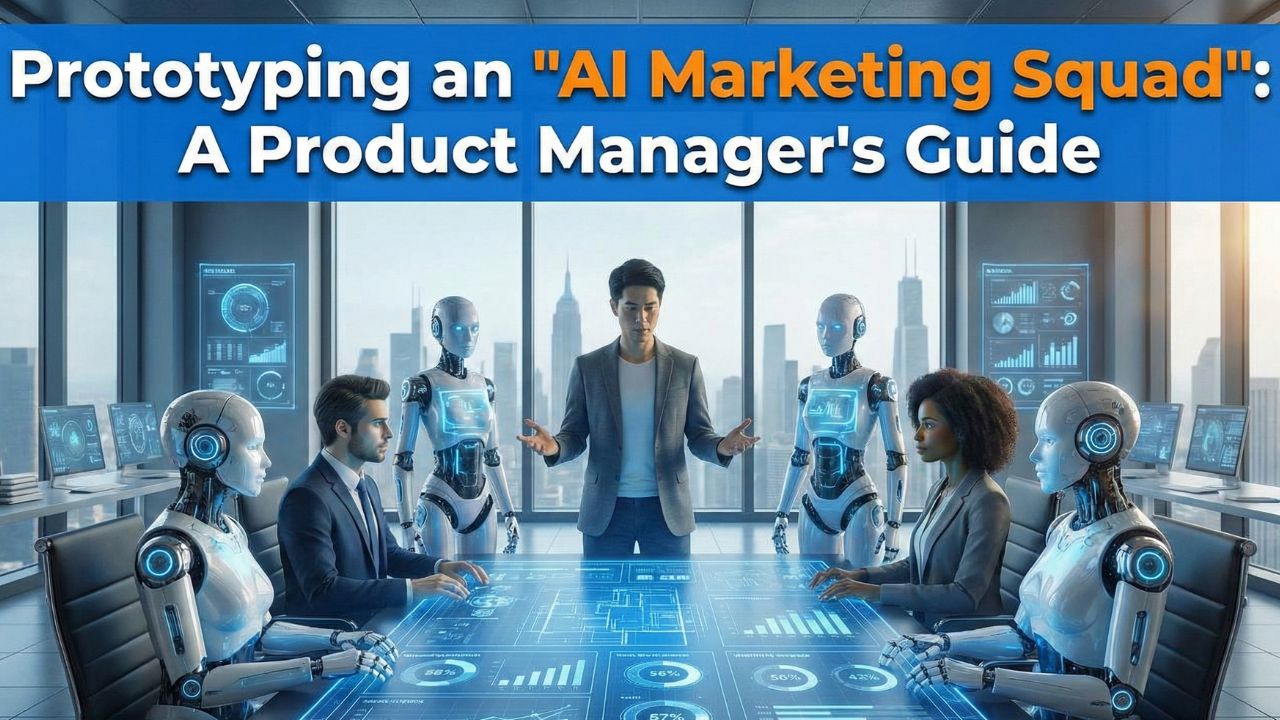
If you have used ChatGPT, you have managed a Digital Intern. But in 2026, we are moving from managing interns to managing Squads. The future of automation is not "One Giant Prompt"; it is "Many Specialized Agents."
In this guide, we will move away from complex code syntax and focus on the Product Logic of designing a Multi-Agent System (MAS). We will prototype a classic content marketing workflow: Research → Write → Edit.
Prerequisite: The Leader’s Guide to Multi-Agent Systems Understand why we use Swarms instead of single chatbots.1. The Mindset Shift: From "Prompting" to "Job Descriptions"
When you build a team in CrewAI or LangGraph, you don't just write instructions. You define a Persona. Just like a real job description, an agent needs a Role, a Goal, and a Backstory.
The Squad Roster
- Agent A (The Researcher): Curious, detail-oriented. Allowed to browse the internet. Hates vague data.
- Agent B (The Writer): Creative, engaging. Has no internet access (to prevent distraction/hallucination). Only reads what the Researcher provides.
- Agent C (The Editor): Cynical, strict. Checks for tone and formatting. Has the power to reject the draft.
2. The Handoff: Designing the "Definition of Done"
The magic of Agentic Agile happens in the handoff. In a standard LLM chat, you have to read the output and ask for changes. In a Multi-Agent System, the Editor Agent does that for you.
We create a Sequential Process:
- 1Task 1: Search for "Top AI Trends 2026". Output: A bulleted list of facts.
- 2Task 2: (Requires Task 1). Write a blog post based only on the bulleted list.
- 3Task 3: Review the blog post. If it sounds "Robotic", send it back (Loop).
3. The Prototype (Conceptual Code)
Here is what this looks like in Python using the CrewAI framework. Notice how readable it is—it looks like an org chart, not a script.
from crewai import Agent, Task, Crew

# 1. Define the Agents
researcher = Agent(
  role='Senior Researcher',
  goal='Uncover groundbreaking technologies in AI',
  backstory="You are a veteran analyst who digs deep into news.",
  tools=[SearchTool()], # This agent has "Hands"
  verbose=True
)

writer = Agent(
  role='Tech Content Strategist',
  goal='Craft compelling content on tech trends',
  backstory="You simplify complex topics. You never use jargon.",
  verbose=True
)

# 2. Define the Tasks
task1 = Task(
  description='Search for the latest AI news in 2026.',
  agent=researcher
)

task2 = Task(
  description='Write a blog post based on the research summary.',
  agent=writer
)

# 3. Assemble the Crew
marketing_squad = Crew(
  agents=[researcher, writer],
  tasks=[task1, task2],
  verbose=2
)

# 4. Execute
result = marketing_squad.kickoff()
When you run this, you will see the Researcher "thinking," using Google Search, and then passing a summary to the Writer. The Writer then takes over. You (the human) do nothing until the final draft arrives.
Deep Dive: CrewAI vs. LangGraph When should you use this simple linear flow vs. a complex graph?4. Frequently Asked Questions (FAQ)
A: Unlike a single chatbot query (approx $0.01), a multi-agent loop involving 3 agents and 10 iterations can cost between $0.10 and $0.50 per run depending on the model (GPT-4 vs GPT-3.5) and tool usage. It is cheaper than a human hour, but more expensive than a Google search.
A: An Agent is the "Brain" (the LLM with a persona). A Tool is the "Hands" (a function that searches the web, reads a PDF, or sends an email). Agents use Tools to complete tasks.
A: While frameworks like CrewAI are Python-based, new "No-Code" platforms like Flowise or relevance.ai allow you to drag-and-drop these same logic blocks without writing code. However, knowing the logic of "Roles and Handoffs" is essential for both.
