How to Build an "AI Research Agent" in 15 Minutes (Step-by-Step with n8n)
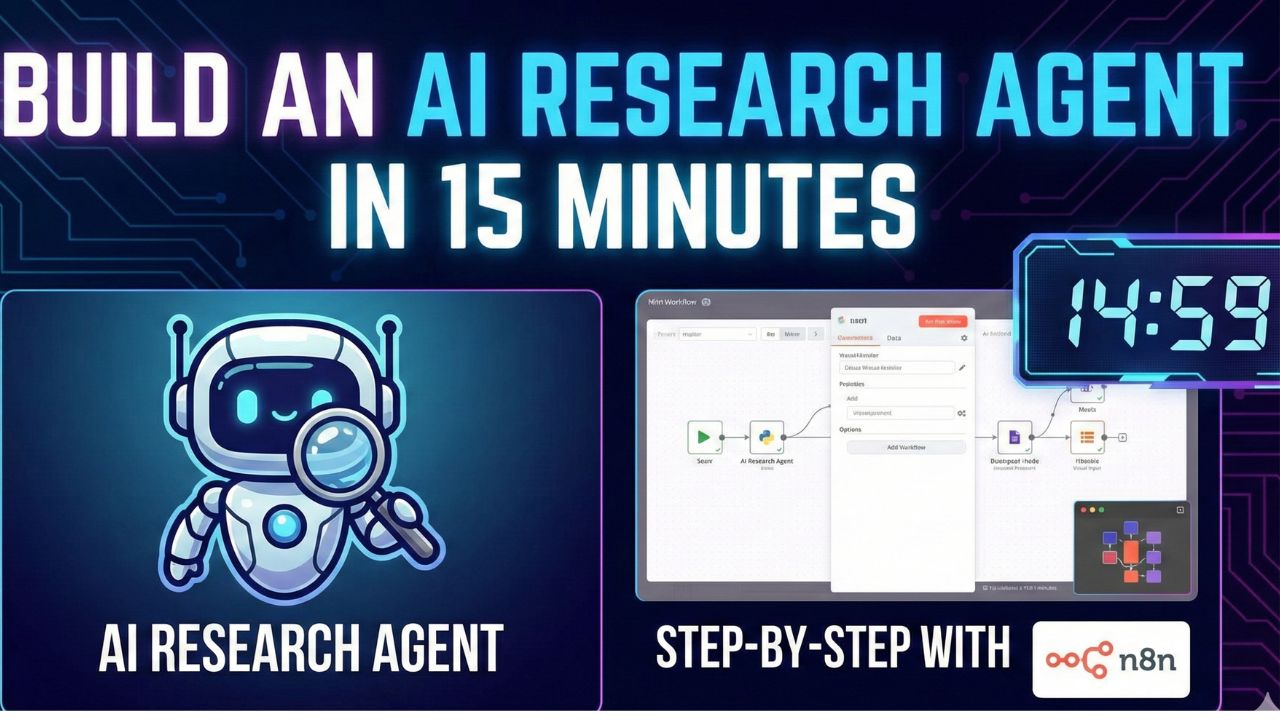
Imagine having a dedicated intern who works 24/7. You give them a topic—say, "Latest trends in Solid State Batteries"—and they scour the web, read 50 articles, filter out the clickbait, and write a concise 2-page summary for you.
This is not sci-fi. It is a Research Agent, and you can build one today in 15 minutes using n8n.
In this guide, we will move beyond simple "If This Then That" automation. We are building an autonomous agent that can reason, search, and create.
Back to the Developer's Guide Understand the theory behind Agentic AI workflows.The Stack: What We Are Building
We will create a workflow that performs the following loop:
- Trigger: You send a message in Slack or a Chat Interface.
- Research: The agent uses Tavily API to search Google for real-time data.
- Synthesis: GPT-4o reads the content and summarizes the key findings.
- Delivery: The agent saves the report to a Google Doc and sends you the link.
Prerequisites
Before we start, ensure you have the following:
- n8n Instance: You can use the n8n Cloud or self-host it using Docker.
- Tavily API Key: Sign up at tavily.com. It is optimized for LLMs and offers a free tier.
- OpenAI API Key: You need access to GPT-4o or GPT-4-Turbo for best reasoning results.
Step 1: Set Up the "Brain" (AI Agent Node)
Step 1 Open your n8n canvas and add the AI Agent node. This is the core orchestrator.
Configure the agent with the following settings:
- Agent Type: Select "Tools Agent" (formerly OpenAI Functions Agent). This allows the LLM to decide when to use external tools.
- System Prompt: "You are a senior research analyst. Your goal is to find comprehensive, accurate information on the user's topic. Always cite your sources.".
Next, connect a Chat Model to the agent. We recommend the OpenAI Chat Model node using gpt-4o. If you are budget-conscious, gpt-4o-mini also works well for simple queries.
Step 2: Give it Eyes (Connect Tavily)
Step 2 An AI model without internet access is hallucination-prone. We need to give it live data.
In the "Tools" section of your AI Agent node, click the (+) button and search for Tavily.
Configuration:
- Operation: Choose "Search".
- Search Depth: Select "Advanced" for deeper research, or "Basic" for quick answers.
- Json Output: Ensure the tool outputs the "Answer" and "Source URLs" so your agent can cite them.
Step 3: Define the Output (Google Docs)
Step 3 Finally, we need the agent to deliver the work.
You can add a Google Docs node as a tool, or simply have the agent return the text to the chat window.
To automate the document creation:
- Add the Google Docs node as a "Tool" connected to the agent.
- Name the tool
create_report. - Description: "Call this tool to save the final research summary to a document."
Now, when you ask the agent: "Research the history of n8n and save it to a doc," the agent will:
- Search Tavily for the history.
- Synthesize the text.
- Trigger the Google Docs tool to write the file.
Video Tutorial
Prefer watching over reading? Here is a breakdown of the Tavily + n8n integration.
5. Frequently Asked Questions (FAQ)
A: Tavily offers a generous free tier (typically 1,000 searches/month) which is sufficient for building and testing your agent. For production use, you may need a paid plan.
A: Yes. n8n supports Ollama. You can replace the "OpenAI Chat Model" node with an "Ollama" node to run the agent entirely on your own infrastructure for free, keeping your data private.
A: Agentic loops often happen if the LLM cannot decide which tool to use. Ensure your tool descriptions are clear and lower the "Temperature" setting of your model (e.g., to 0.2) to make it more deterministic.
